Benchmarking the NVIDIA DGX Spark for Local LLMs — Part 1
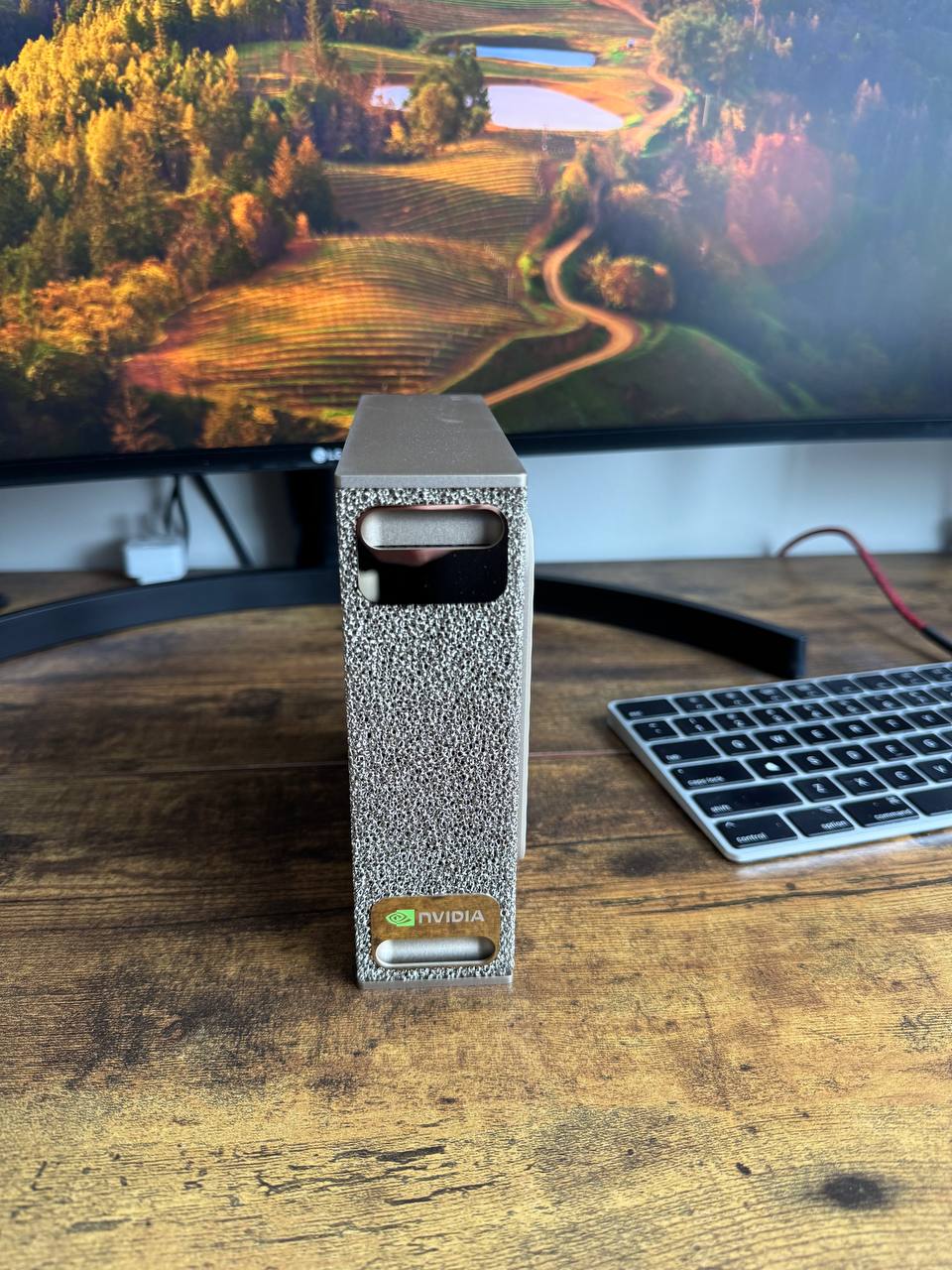
Since everyone was rushing to buy Mac Studios to run models locally, I wanted to see what alternatives were out there. I landed on the NVIDIA DGX Spark with 128GB LPDDR5X and an ARM processor. What I found appealing was the ability to also use this machine for fine-tuning my own models — something that is possible on the Mac Studio and Mac Mini via Apple's MLX framework, but that locks you into one framework and usually takes longer.
I noticed during my research that every DGX Spark blog out there repeats NVIDIA's specs, but few are actually running tests in real life. So after setting up the box in my home lab — which was very straightforward — I ran my first experiment. I wanted to capture angles that don't exist anywhere on r/LocalLLaMA yet.
Here are the 5 areas I tested.
Buy NVIDIA DGX Spark on Amazon →1. Unified Memory Scaling
The Concept
As described in our Local LLM Hardware Guide: VRAM, Quantization, and What You Can Actually Run, VRAM is a make-or-break stat for running models locally. If the VRAM isn't sufficiently large, the model will either not fit or slow down significantly — this is known as hitting the "VRAM cliff."
What's Special
The DGX Spark has a single 128GB pool that both the GPU and CPU can tap into. That eliminates the VRAM cliff where GPU memory spills into RAM and drastically slows down the system. You'll still need to be mindful of the 128GB ceiling, but performance stays consistent right up until you hit it.
What We Measured
We ran 4 different model sizes — two 32B models (QwQ & Qwen 2.5 Coder), one 70B (DeepSeek R1), and one 122B (Qwen 3.5) — and measured how fast tokens were generated (tok/s).
What We Found
As expected, speed dropped going from the 32B models to the 70B model. What was interesting is that the 122B Qwen 3.5 model ran at 15 tok/s — faster than the 70B DeepSeek at 4 tok/s. But the main takeaway is that nothing crashed and nothing failed to load. All models ran — including the one you'd never expect to fit on a consumer GPU.
Note on Qwen3.5-122B: This is a Mixture-of-Experts (MoE) model — 122B total parameters, but only ~10B are active per token. That's why throughput is higher than the dense 32B models despite the larger memory footprint. It still requires ~81GB of RAM to load, which is why it only runs on hardware like the Spark — but the compute cost per token is closer to a 10B model.
| Model | Params | Mean tok/s | Min | Max |
|---|---|---|---|---|
| QwQ-32B | 32B | 8.51 | 5.73 | 9.90 |
| Qwen2.5-Coder-32B | 32B | 7.34 | 3.61 | 9.40 |
| DeepSeek-R1-70B | 70B | 4.11 | 3.21 | 4.59 |
| Qwen3.5-122B | 122B | 15.11 | 5.61 | 19.88 |
2. Long Context Degradation
The Concept
Context is how much the model can hold in working memory — your inputs such as raw text or documents, plus the model's own responses. I'm sure you've been in a situation where you've been going back and forth with an LLM and it suddenly forgets something you already discussed. The context window is measured in tokens, where 1 token is roughly equivalent to ¾ of a word.
Why It Matters
For RAG (Retrieval Augmented Generation) use cases, the context window is extremely important — the model needs to hold large chunks of information in memory to answer questions about them. The larger the context, the more memory and compute the GPU requires.
What We Measured
DeepSeek-R1:70B was given an identical task with 3 different context sizes — 4K, 32K, and 64K tokens — and we measured how fast the response came back each time.
What We Found
As expected, speed dropped as context size increased:
- 4K context: 3.42 tok/s
- 32K context: 2.74 tok/s (−20%)
- 64K context: 2.28 tok/s (−33%)
The big takeaway: the DGX Spark handles book-length context at an acceptable speed. It doesn't fall off a cliff — it slows down gradually and gracefully.
3. Reasoning Overhead
The Concept
Reasoning models (like QwQ-32B or DeepSeek-R1) are designed to think through a response before providing an answer. You've probably seen the internal monologue these models generate before giving you an output. This is especially important for hard problems in math, science, or coding — but it obviously takes longer.
What We Measured
We compared two models equivalent in size but different in thinking style:
- QwQ-32B — the reasoning model
- Qwen2.5-Coder-32B — standard instruct model
What We Found
The reasoning model was only 6.4% slower — a surprisingly small gap. For daily use on a DGX Spark, reasoning models are fast enough that you won't feel penalized for using them.
- QwQ-32B (reasoning): 9.07 tok/s
- Qwen2.5-Coder-32B (instruct): 9.69 tok/s
Note: these speeds reflect isolated reasoning benchmark conditions and differ slightly from the unified memory scaling test above, which used different prompts and averaging windows.
4. Task-Type Throughput
The Concept
Some questions require more "thinking" from a model. Simple fact retrieval like "what is the capital of the USA?" requires less work than a complex coding task. We wanted to test how much the task type impacts the speed at which the GPU generates tokens.
Why It's Interesting
Some hardware slows down drastically as task complexity increases. We wanted to check if the DGX Spark holds up when you push it.
What We Measured
DeepSeek-R1:70B was given four different task types — factual, technical writing, coding, and math reasoning — and we measured tok/s for each.
What We Found
The DGX Spark stayed in a tight range regardless of task complexity — a great sign for a general-purpose machine. The factual task came in slightly lower at 3.72 tok/s, likely because the short answer gives us less data to average across. Technical writing, coding, and math were nearly indistinguishable.
| Task | Mean tok/s |
|---|---|
| Factual (short) | 3.72 |
| Technical writing | 4.54 |
| Coding | 4.54 |
| Math reasoning | 4.56 |
5. Memory Bandwidth Efficiency
The Concept
The DGX Spark has a theoretical maximum memory bandwidth of 273 GB/s — meaning it can move 273 gigabytes of data per second between memory and the processor. In practice, software never fully maxes out the hardware. Overhead from loading instructions, managing memory, and waiting for operations to sync always eats into that ceiling.
What We Measured
To generate each token, the GPU has to read the model's weights from memory roughly once. So if a 42GB model runs at 4 tok/s, it's reading 42GB × 4 = 168 GB/s of data per second. Divide that by the theoretical max of 273 GB/s and you get 61.5% utilization.
What We Found
The DGX Spark is using 50–63% of its memory bandwidth for LLM inference — which is exceptional for this type of workload.
| Model | Size | tok/s | Effective BW | GB10 Utilization |
|---|---|---|---|---|
| QwQ-32B | 19.2 GB | 8.51 | 163.4 GB/s | 59.9% |
| Qwen2.5-Coder-32B | 19.2 GB | 7.34 | 140.9 GB/s | 51.6% |
| DeepSeek-R1-70B | 42.0 GB | 4.11 | 172.6 GB/s | 63.2% |
Qwen3.5-122B excluded — post-quantization model size is too difficult to estimate reliably at this scale, which would make the derived bandwidth figure misleading.
All benchmarks measured first-party on a DGX Spark GB10 (128GB LPDDR5X) via Ollama's OpenAI-compatible API. Each condition run 3× and averaged.